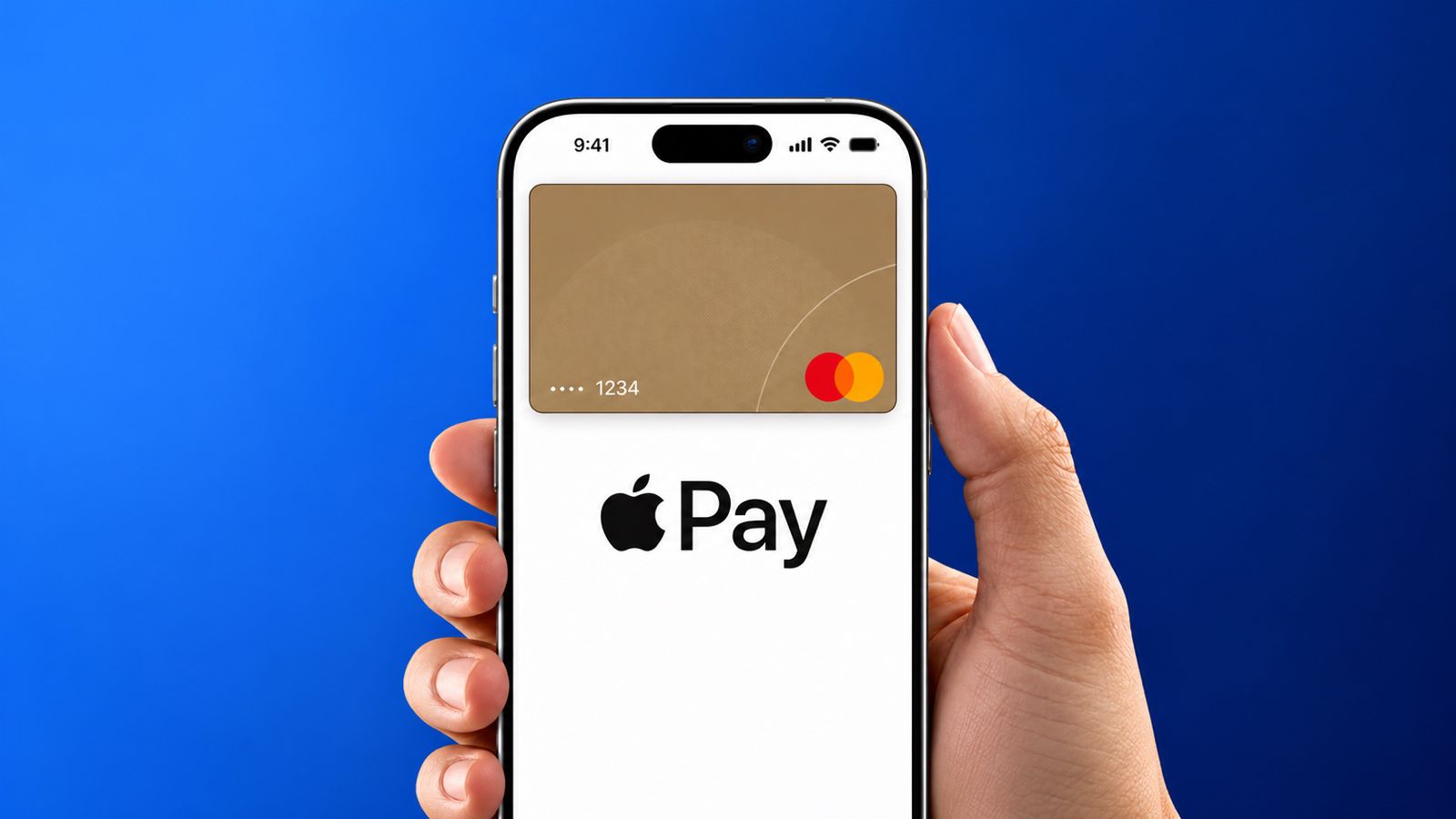
- Apple Pay support in India begins with eligible Axis Bank cards.
- Users can add a supported card to Apple Wallet and verify it through the bank.
- Availability may expand to more banks and cards over time.
Apple Pay has launched in India, giving eligible Axis Bank credit-card customers a new way to pay in stores, apps and on the web. At launch, the service supports Axis Bank-issued Visa and Mastercard credit cards on compatible Apple devices.
Apple introduced the service in India on September 30, 2026. Customers can use it at participating merchants and anywhere compatible contactless payments are accepted.
Apple Pay India Launch: Quick Details
- Launch date: September 30, 2026
- Supported bank: Axis Bank
- Eligible cards: Selected Axis Bank-issued Visa and Mastercard credit cards
- Supported devices: Compatible iPhone, iPad and Apple Watch models
- Mac support: Coming later, according to Apple
Apple confirmed these details in its official India launch announcement. Card eligibility may vary, so customers should confirm support with Axis Bank before setup.
Which Cards and Devices Are Supported?
Apple Pay currently accepts eligible Axis Bank Visa and Mastercard credit cards issued in India. Debit cards and RuPay cards are not listed as supported at launch. Apple says additional banks may be added later.
- iPhone: iPhone XR or later running iOS 18 or later
- Apple Watch: Apple Watch Series 6 or later running watchOS 11 or later and paired with a compatible iPhone
- iPad: Supported for purchases in participating apps and websites
- Mac: Apple says support is coming soon
The exact requirements and eligible-card list can change. Check Apple’s current participating banks and cards page before attempting to add a card.
How to Set Up Apple Pay in India
- Open the Wallet app on your compatible iPhone.
- Tap the plus button in the top-right corner.
- Select the option to add a debit or credit card.
- Add an eligible Axis Bank Visa or Mastercard credit card.
- Follow the bank’s verification instructions.
- Once verified, the card will be ready for supported Apple Pay transactions.
You can also add an eligible card through the latest Axis Bank mobile app. For a more detailed walkthrough, read our guide on how to use Apple Pay on an iPhone.
How to Pay in Stores
- Double-click the side button or Home button on the device.
- Authenticate with Face ID, Touch ID or the device passcode when prompted.
- Hold the top of the iPhone or the Apple Watch display near the contactless reader.
- Wait for the on-screen confirmation before moving the device away.
In supported apps and websites, choose the Apple Pay button at checkout and confirm the payment on your device. Existing card rewards and benefits continue to apply, subject to Axis Bank’s terms.
Where Apple Pay Works in India
Apple says the service is available at millions of merchants. Named launch partners include Apple Store locations, Blinkit, Chaayos, Comet, Croma, Interflora, Ixigo, Le15 Patisserie, Reliance brands, Tata 1mg and Zomato.
Payment-service providers supporting merchant access include Cashfree, Juspay, Mswipe, Paytm, PayU, Pine Labs, Razorpay and Worldline. Availability can still differ by store, terminal, app or website, so look for the contactless or Apple Pay symbol before paying.
Apple Pay Security and Privacy
Apple Pay does not store the actual card number on the device or Apple’s servers. Instead, it assigns an encrypted Device Account Number and stores it in the Secure Element. The merchant does not receive the customer’s real card number during an Apple Pay transaction. If your phone goes missing, here is how to disable Apple Pay on a lost or stolen iPhone.
Payments require device authentication, and Apple says it does not retain transaction information that can be tied back to the user. If an iPhone is lost or stolen, Find My can help locate or lock it and suspend payments. Our guide explains how to disable Apple Pay on a lost or stolen iPhone.
Final Takeaway
Apple Pay is now available in India for eligible Axis Bank Visa and Mastercard credit-card customers. It works on compatible iPhone, iPad and Apple Watch models, while Mac support is expected later. Confirm your card’s eligibility and device requirements before starting the setup process.