Google brings Gemini AI Image Generator to Docs. This exciting update allows users to create custom visuals directly in Google Docs. It transforms how we add visuals to documents, making content more creative and engaging.
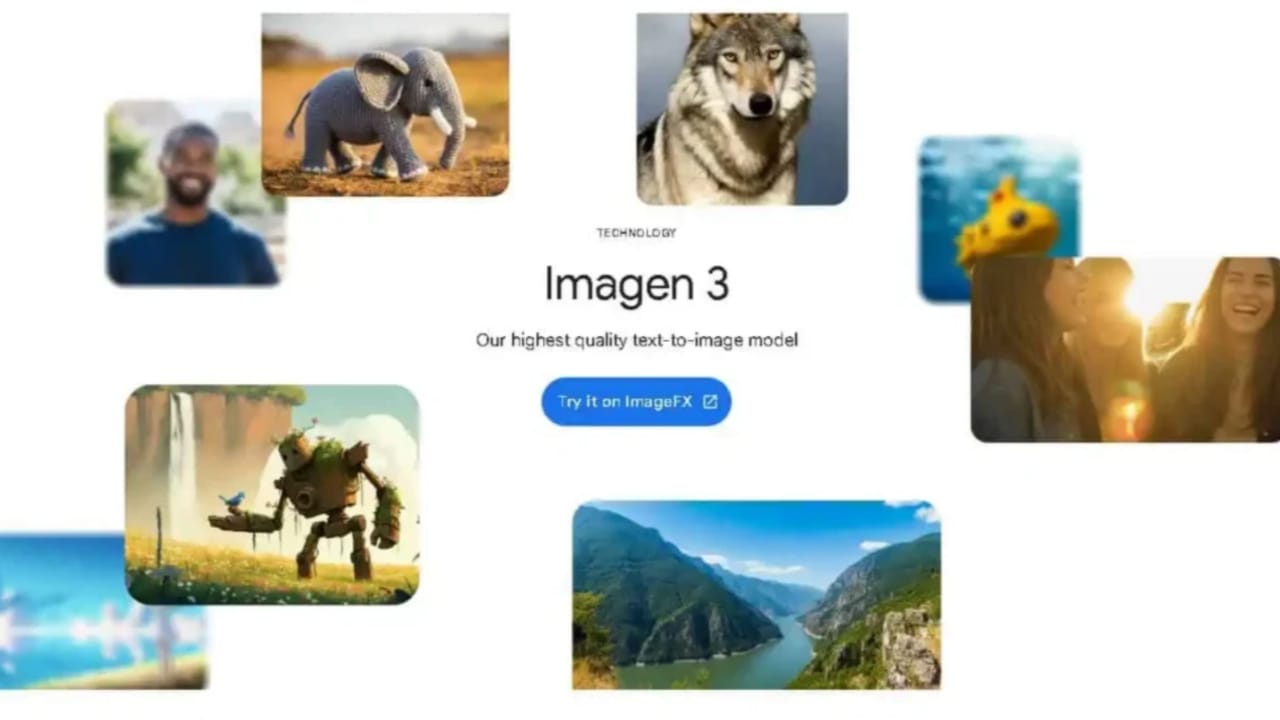
Powered by the advanced Imagen 3 algorithm, this tool offers endless possibilities for creating professional and personal designs.
How to Use Gemini AI Image Generator
Using the Gemini AI Image Generator is simple and convenient. This feature integrates seamlessly into Google Docs, enabling users to generate images quickly. Here are the steps to use it effectively:
1. Access the Feature:
- Open Google Docs.
- Click on the ‘Insert Menu’ option.
- Select ‘Help Me – Create an Image’.
2. Provide a Prompt:
- A sidebar will open with a text box.
- Enter a descriptive text prompt to create an image.
3. Choose Layout and Aspect Ratio:
- Select from three aspect ratios for your image.
- Use the dropdown menu for additional layout options.
4. Generate and Insert Images:
- Click on ‘Create’ to view image suggestions.
- Choose your preferred image and insert it.
5. Customize the Image:
- Options like replace, reposition, and delete are available.
- Add alt text for accessibility if required.
This simple process makes it easy to add visuals without leaving Google Docs.
Features of Gemini AI Image Generator
The Gemini AI Image Generator comes packed with advanced features. These features make it versatile and ideal for various uses:
1. Photorealistic Images: Generate realistic visuals of people, landscapes, and objects.
2. Artistic Styles: Choose styles like watercolor or other creative options.
3. Customizable Options: Adjust size, aspect ratio, and layout for unique visuals.
4. Seamless Integration: Easily use images within your documents.
5. Multiple Applications: Create resumes, business proposals, or invitations effortlessly.
These features ensure users can create personalized visuals with ease.
Availability & Subscription Details
The Gemini AI Image Generator is available to Google Workspace subscribers. However, it is limited to specific subscription plans:
- Gemini Business
- Gemini Enterprise
- Gemini Education
- Gemini Education Premium
- Google One AI Premium
The rollout will occur in phases:
Rapid Release Domains: The feature will roll out within 15 days.
Scheduled Release Domains: It will be available starting December 16.
This feature ensures professional-grade visuals are accessible to eligible users.
Why Gemini AI Image Generator is Useful
This new feature changes how visuals are added to documents. It saves time and provides better customization compared to stock photos. Here’s why it matters:
1. Creativity Made Easy:
- Create unique images by describing your idea.
- Experiment with styles and layouts to match your needs.
2. Professional Results:
- Add photorealistic visuals for resumes or presentations.
- Use creative styles for personal projects and invitations.
3. Time-Saving Tool:
- No need to search for stock images anymore.
- Generate professional visuals directly within Google Docs.
4. User-Friendly Design:
- Easy to access and use with a simple interface.
By integrating this feature, Google redefines document creation tools.
Google brings Gemini AI Image Generator to Docs, making document creation more creative. It enables users to create custom visuals directly within Google Docs.
With advanced features and ease of use, this tool is perfect for professionals and creators alike. Eligible subscribers can explore endless possibilities for designing unique and engaging content.