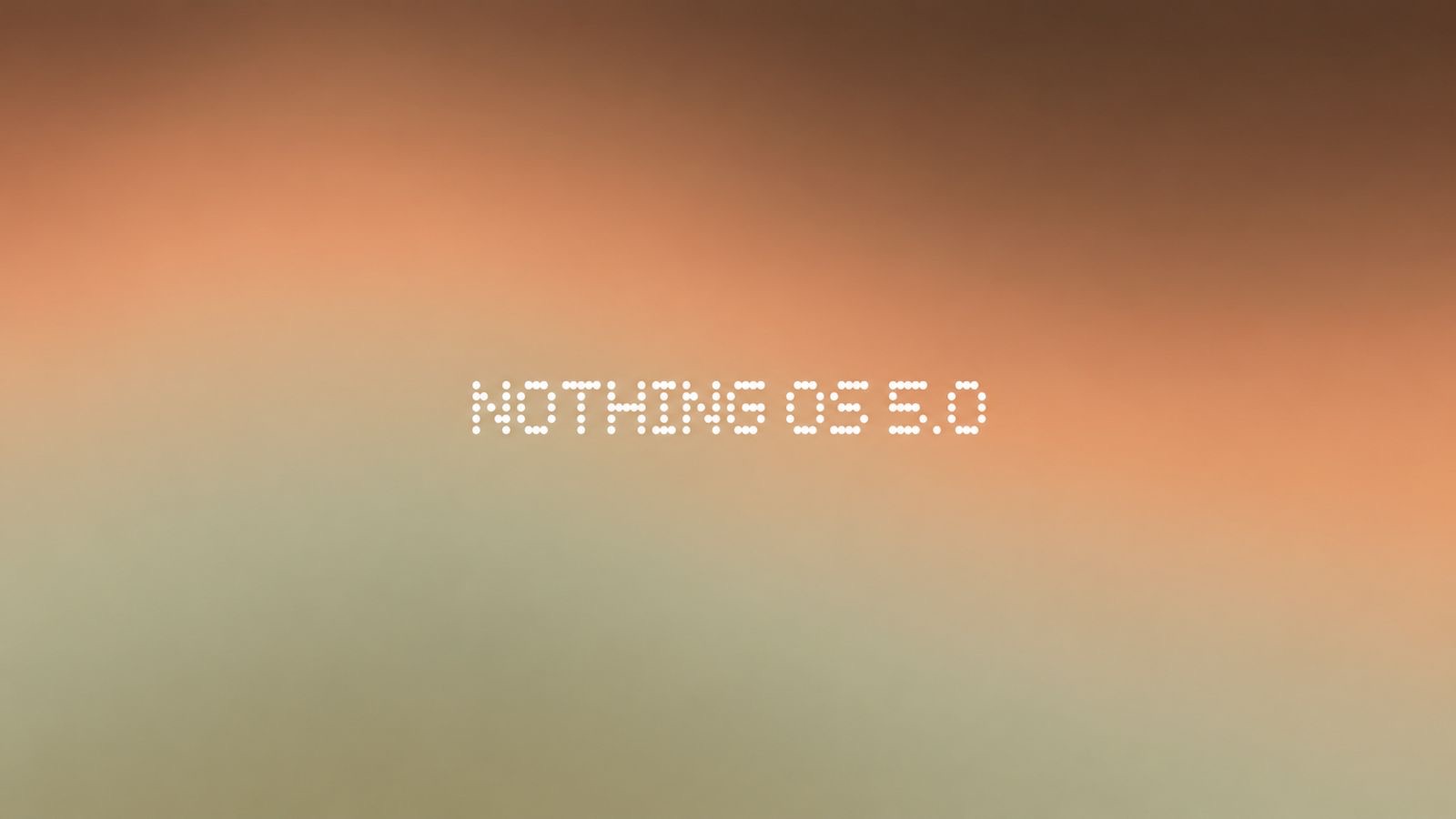
- Nothing OS 5.0 stable rollout started for Phone (3) on October 12, 2026.
- The update brings Android 17, a refreshed design and improved Essential AI tools.
- Availability is phased by region, while other eligible devices will receive it later.
Nothing OS 5.0 update is now rolling out to the Nothing Phone (3), bringing Android 17, a redesigned interface, deeper personalisation and new Essential AI tools. The release started on October 12, 2026, but availability may vary because the rollout is phased by region and carrier.
Nothing OS 5.0 Update Release Date and Availability
Nothing has confirmed that the general release of Nothing OS 5.0 is available first for the Phone (3). The company began the rollout on October 12 after testing the software through an open beta programme.
More eligible Nothing and CMF devices will receive the update later. According to the official rollout schedule, the Phone (4a), Phone (4a) Pro, Phone (3a) and Phone (3a) Pro are expected to receive the general release in early November. The Phone (2a) and Phone (2a) Plus are scheduled for mid-November. Timings are indicative and may change.
Phone (1), Phone (2) and CMF Phone 1 have reached the end of major software support and will not receive Nothing OS 5.0. Users interested in other Nothing devices can also read our coverage of the Nothing Phone 3a and 3a Pro features.
How to Download Nothing OS 5.0
Nothing Phone (3) users can check for the update manually. Back up important files and connect the phone to a stable Wi-Fi network before installing a major Android version.
- Open Settings on the Nothing Phone (3).
- Tap System.
- Select System update.
- Tap the available download option and follow the on-screen instructions.
The update may not appear on every eligible Phone (3) at the same time. A phased rollout allows Nothing to monitor performance and resolve issues before expanding availability. For general tips that also apply to phones, see our guide on how to update an Android device.
What Is New in Nothing OS 5.0?
Redesigned Home Screen and Visual System
The refreshed Home Screen introduces wallpaper-aware colours, tinted app icons and transparent widgets. Nothing has also updated its Geist typeface, icons, layouts and animations across areas such as Settings, Camera, Gallery and the status bar.
Users can arrange multiple Home Screen icons together instead of moving each one separately. The redesigned system aims to make the interface more consistent while keeping Nothing’s distinctive visual style.
New Lock Screen Clocks and Widgets
Nothing OS 5.0 adds new clock faces, including Micrographics, which can show useful information in a clean, hardware-inspired layout. The Collector widget lets users turn selected photos into stickers on the Home Screen.
Away Time is designed to help users stay focused by showing time spent away from the phone. Some features and app-based improvements may arrive separately rather than as part of the main system package.
Essential AI Improvements
The update expands Nothing’s Essential AI tools. Essential Voice offers improved transcription, while Smart Collections helps organise saved content. Essential Apps Builder lets users describe a small app in natural language and create it without writing code.
Essential Apps Builder remains in early beta, so access is rolling out gradually. Other Essential Space updates are delivered separately through Google Play. Feature availability can therefore differ between users even after installing Nothing OS 5.0.
Android 17 Features in Nothing OS 5.0
Nothing OS 5.0 includes several Android 17 changes. Notifications and Quick Settings can use separate panels, giving each area more space. Users can swipe from different sides of the screen to access the two panels after enabling the layout.
Quick Share can generate a QR code that lets an iPhone or another device download shared files through a secure web link. Android 17 also brings updated privacy indicators and permission controls for camera, microphone and location access.
Other platform improvements include expanded Dark Theme support, updated screen recording, an independent Assistant volume control and a redesigned Recents screen. Nothing also says the release includes smoother animations, improved touch response and better background app retention.
Should Phone (3) Users Install the Update?
Nothing OS 5.0 is a major update with design, AI and Android platform changes. Users who depend on their phone for critical work may prefer to wait for early rollout feedback before installing. Everyone should create a backup and ensure sufficient battery and storage are available.
Install the update only through the phone’s built-in System update page. Avoid unofficial firmware files or third-party download links.
Frequently Asked Questions
Is Nothing OS 5.0 stable?
Yes. Nothing started the Nothing OS 5.0 general release for Phone (3) on October 12, 2026. The rollout is phased, so some users may receive it later.
Which Android version powers Nothing OS 5.0?
Nothing OS 5.0 is based on Android 17 and includes Android features such as separate notification and Quick Settings panels, new privacy controls and updated Quick Share options.
Will Nothing Phone (2) receive Nothing OS 5.0?
No. Nothing’s official Nothing OS page says Phone (1), Phone (2) and CMF Phone 1 have reached the end of major software support and will not receive Nothing OS 5.0.
Why is the update not showing on my Phone (3)?
Nothing is releasing the update in stages by region and carrier. Check Settings > System > System update again later if it is not yet available.
Final Takeaway
The Nothing OS 5.0 update gives Phone (3) users Android 17, a refreshed design and expanded Essential AI features. Since the rollout is phased, users should wait for the official update notification and back up important data before installing.