Sharing your live location on WhatsApp is very easy. It helps your friends and family know where you are. No matter even if you are using an Android or iPhone the process is way more simple.
If you want your current location or live location both can be shared. Here, I will explain everything clearly. I will also share how to use Google Maps for location sharing.
also read: How to Search Messages on WhatsApp on iPhone and Android
How You Can Send Live Location on WhatsApp (iPhone)
Sharing your live location on an iPhone is very simple. Open the WhatsApp app on your iPhone first. Hit a push on the Chats tab you will see that in the bottom. Now, open the conversation where you want to share.
If you are on another screen, press Back first. Once you have opened the chat, hit the + button. A menu will pop up with many options. Select Location from the menu options.
If this is your first time, allow location permission. You can choose from Once, While Using This App, or Always. If you plan to share for a long time, select Always.
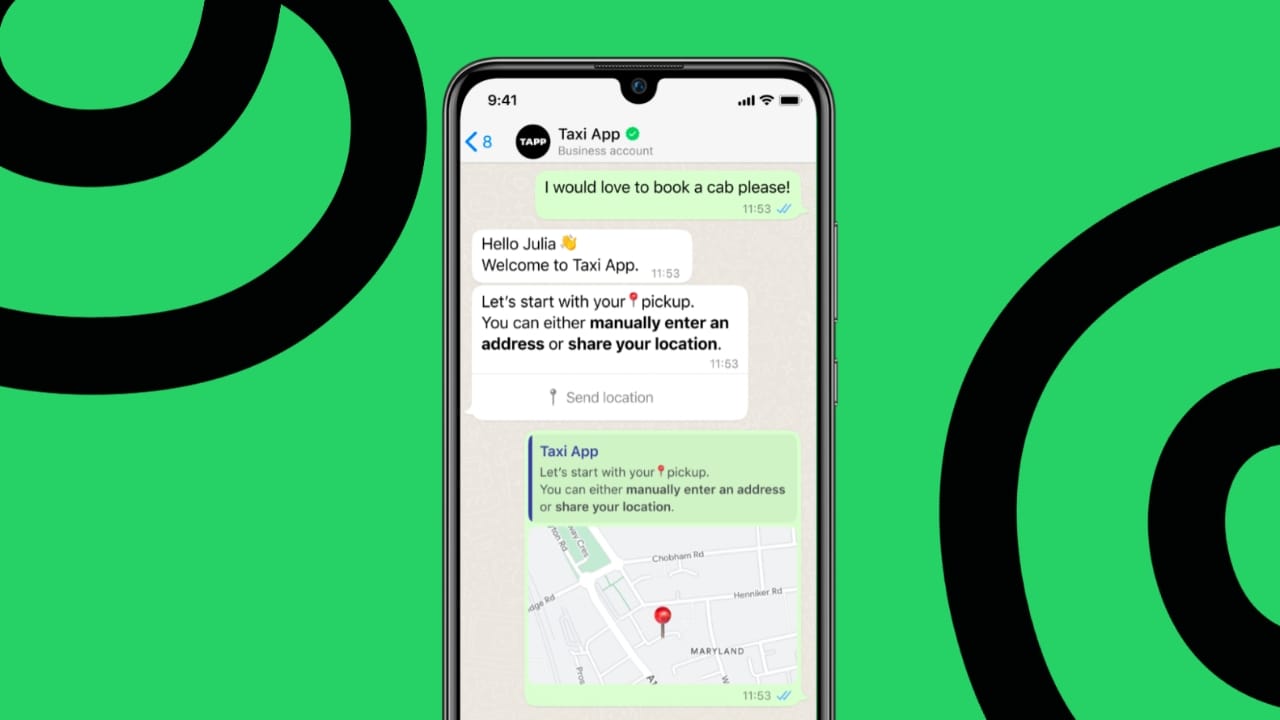
Now, you can see two options: Send Your Current Location and Share Live Location.
- Send Your Current Location: It will share a Single-time pin.
- Share Live Location will update as you move.
Choose the option you prefer. When sharing a live location, select the time limit. You can choose untill when the other person can see your location like 15 minutes, 1 hour, or 8 hours. Once you have selected now hit the blue arrow to send location.
If you want to stop sharing anytime, go back to the chat. Tap Stop Sharing on the map to end it.
How to Share Your Live Location on WhatsApp on Android
Sharing your live location on Android is very easy too. First, open the WhatsApp app on your phone. If you are not logged in, log in with your number.
Tap the Chats tab at the top left corner. Open the chat where you want to share your location. If needed, press Back to reach the chats screen.
Tap on the paperclip icon at the bottom right side. A menu will appear with several options. Tap on Location which shows a green pin icon.
Allow permissions if this is your first time. You can select All the time, Only while using the app, or Ask every time. For long sharing, select All the time.
You will again see two options:
- Send Your Current Location sends a static pin.
- Share Live Location updates in real time.
Pick the option you want. For live sharing, select a time frame. You can choose 15 minutes, 1 hour, or 8 hours. Tap the green arrow to send the location.
If you decide not to share location anytime just hit Stop Sharing shown on the map and it will end live sharing.
You can also share your location with groups. Just create a group with trusted contacts first.
Android: Live Location
How to Share Your Live Location Using Google Maps
Besides WhatsApp, Google Maps is another great option. You can share live location permanently or for a set time.
To start, open Google Maps on your smartphone. Tap your profile picture at the top right corner. Then, tap on Location Sharing.
Press the blue Share Location button. Choose the duration you want to share for. Then select the contacts you want to share with. Google Maps suggests your frequent contacts too.
The people you share with can see your location in real-time. They can also set notifications when you reach or leave a place. You can stop sharing anytime by tapping Stop.
Another option is to share your trip progress. Open Google Maps and start driving directions. After starting, tap Remaining driving time. Then tap Share Ride Progress.
Select contacts you want to share with. Trip sharing will stop automatically when you end navigation. It is great for short trips or commutes.
You can also share Google Maps links on WhatsApp. Simply copy and paste the live location link into your chat.
However, remember that WhatsApp Desktop does not support live sharing. The receiver must open the link on their mobile.
As We Conclude
Now you know how to Share Your Live Location on WhatsApp easily. Always allow location permissions when asked. Pick between sharing a pin or live movement. This makes traveling or meeting with friends safer and easier.